Inversion table with lumbar support: which models include one
Last updated 2026-10-31 · Written by Inversion Guide editorial team
Disclosure: if you buy through our links, we may earn a commission at no extra cost to you. As an Amazon Associate I earn from qualifying purchases.
For information only. This page is general product information, not medical advice. Talk to your doctor or physiotherapist before using an inversion table.
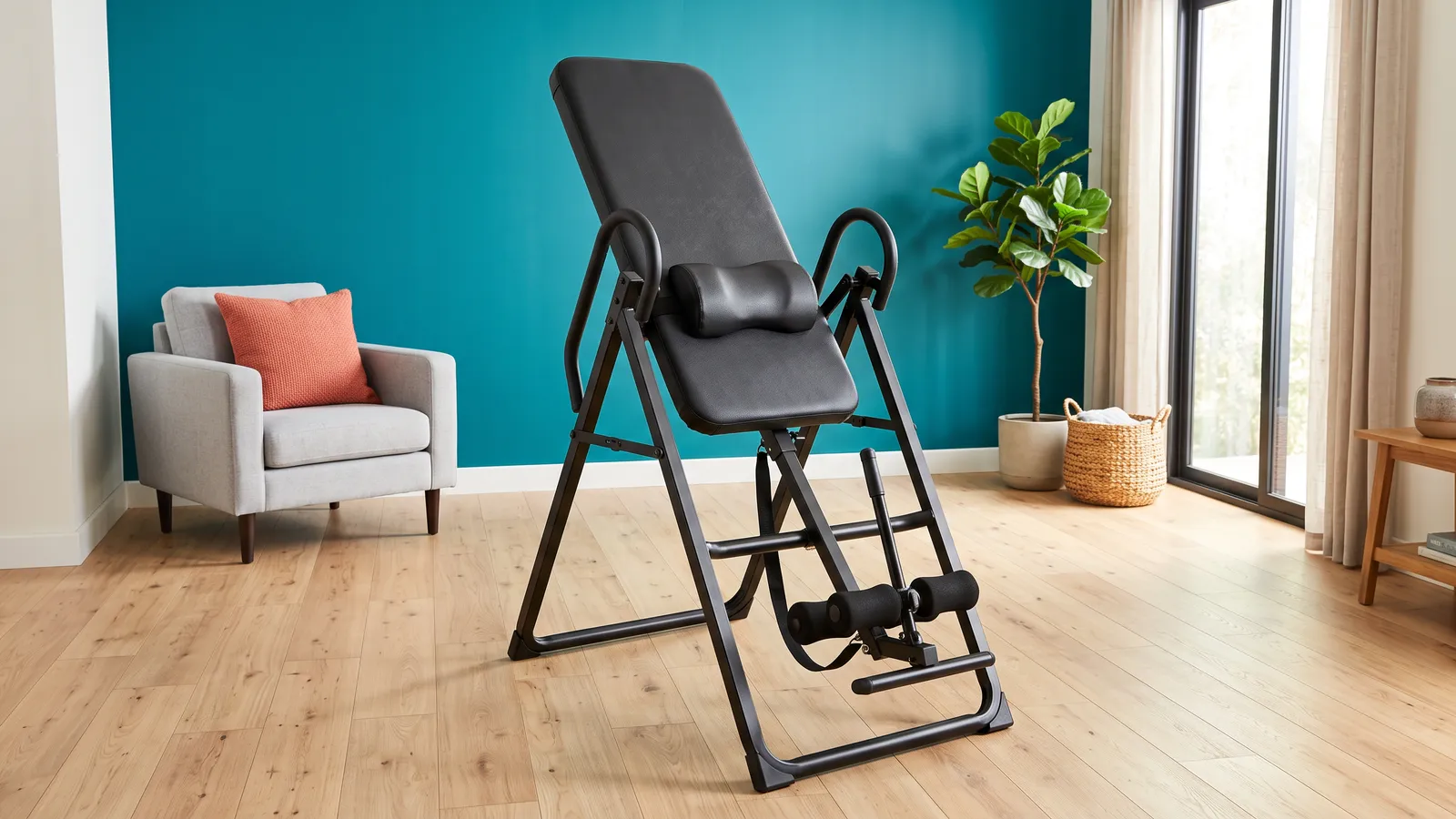
Inversion tables are not for everyone. Read who should not use one first.
Last checked: 31 October 2026, against each maker's product page. Prices change often and we show none, so check the current price before you buy.
What "lumbar support" means on a table
Brands use the words for different parts, so compare the part, not the phrase.
- Teeter Lumbar Bridge. Teeter says it is an adjustable, removable bridge that "takes even more pressure off the lower back." Teeter pairs it with Acupressure Nodes.
- Innova Lumbar Pad. Innova's ITX1200 page lists a large backrest "with Lumbar Pad". Innova's page gives no more detail than that.
- A plain padded backrest. Every table has one. A padded backrest on its own is not a lumbar part.
None of these is a medical device claim we can back. If you have a back condition, talk to your doctor before you invert; our who should not use an inversion table page lists the common reasons not to.
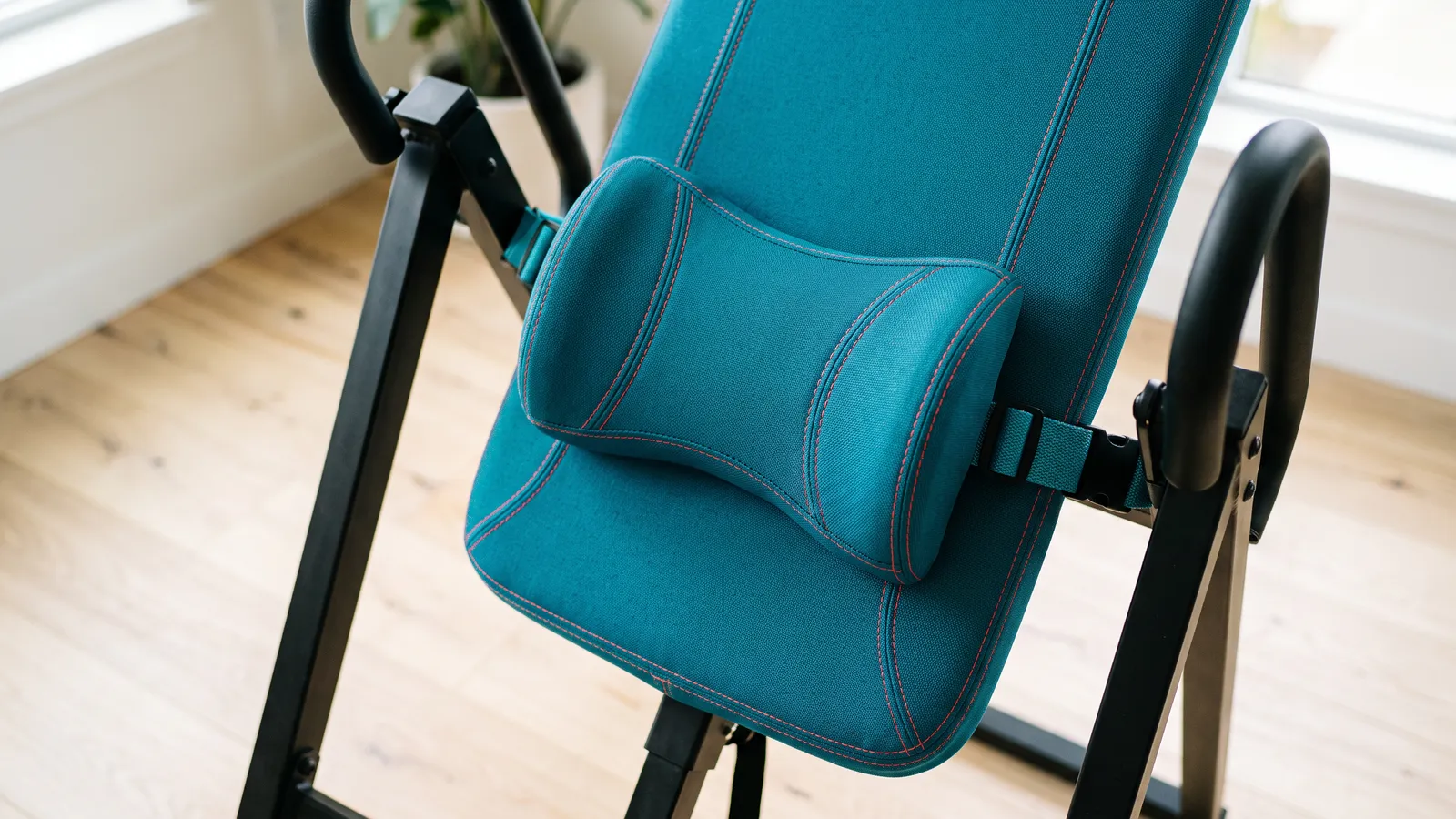
Models that list a lumbar part
| Teeter EP-560 | Teeter FitSpine X1 | Teeter FitSpine X3 | Innova ITX1200 | |
|---|---|---|---|---|
| Lumbar part on maker page | Lumbar Bridge | Lumbar Bridge | Lumbar Bridge (listed as an accessory) | Lumbar Pad on backrest |
| Backrest | ComforTrak | FlexTech, 8-point floating suspension | FlexTech, 8-point floating suspension | Large padded backrest |
| Weight limit | 300 lb | 300 lb | 300 lb | 350 lb |
| Ankle system | T-pin closure | T-pin closure | EZ-Reach, extra-long handle | No Pinch VCC-Tech, extended handle |
| Warranty | 5-year full | 5-year full | 5-year full | 1-year limited |
Teeter's X3 page words the Lumbar Bridge and nodes as accessories that help you "target pain at the source", so check the exact bundle on the page you order from. The LX9 page says the bridge and nodes are included. We cover the LX9 in X3 vs LX9.
First-time buyers who want a Teeter at the lowest Teeter price
Check price on AmazonPrices change often. Check the current price on Amazon.
Newcomers who want the FlexTech backrest at a lower price than the X3
Check price on AmazonPrices change often. Check the current price on Amazon.
Most people who want a proven, easy-to-use table within 300 lb and 4'8" to 6'6"
Check price on AmazonPrices change often. Check the current price on Amazon.
Heavier users up to 350 lb
Check price on AmazonPrices change often. Check the current price on Amazon.
How to choose between them
- You want the lumbar part at the lowest Teeter tier: the EP-560. It has the older ComforTrak backrest and a simple tether.
- You want a Teeter FlexTech backrest with the bridge included: the X1. It uses the T-pin ankle closure, so you bend further forward to lock in.
- You want the least bending to reach your ankles: the X3, with Teeter's EZ-Reach handle. Confirm the bridge is in your bundle.
- You weigh between 300 and 350 lb: the ITX1200, the only table here rated to 350 lb. It has three angle positions rather than six. See weight limits.
What about the Innova ITX9600 and ITX9800?
Innova's pages for both describe a large, padded backrest and an adjustable headrest pad. They do not list a lumbar pad, so we do not count them here. For their other differences, read ITX9600 vs ITX9800.
Before you buy
- Check the height and weight limits first. Every table above is 300 lb except the ITX1200 at 350 lb, and all list a top height of 6 ft 6 in.
- Read the listing, not the headline. "Lumbar support" in a title may mean a loose pillow. Look for the bridge or pad in the box contents.
- Plan for the adjustment. Teeter says its bridge is adjustable and removable. Ask yourself whether you will bother to set it up each time.
- Ask a clinician first if you have back pain you have not had checked.
Common questions
Which inversion table has a lumbar bridge? On Teeter's own pages, the EP-560, FitSpine X1, X3 and LX9 all name one. Whether it is included or an accessory differs by model and bundle.
Does a lumbar pad make an inversion table safer or more effective? We did not find a maker or health-authority claim that we can verify, so we do not say so. It is a comfort feature on the product page.
Do cheaper tables have lumbar support? Some retailer listings use the phrase. We only count parts a maker names on its own page.
Is the Innova ITX1200 or a Teeter better for lumbar support? Both list a part. The ITX1200 is rated to 350 lb and has a 1-year limited warranty; the Teeter models are 300 lb with a 5-year full warranty.
For all the models we have checked, see best inversion tables and how to choose an inversion table.
Gear that helps
Teeter EP-560 Inversion Table
Best for: First-time buyers who want a Teeter at the lowest Teeter price
- Max user 300 lb
- Height 4'8"–6'6"
- Max angle 180°
- Folds
- Budget
Prices change often. Check the current price on Amazon.
Teeter FitSpine X1 Inversion Table
Best for: Newcomers who want the FlexTech backrest at a lower price than the X3
- Max user 300 lb
- Height 4'8"–6'6"
- Max angle 180°
- Folds
- Mid-range
Prices change often. Check the current price on Amazon.
Teeter FitSpine X3 Inversion Table
Best for: Most people who want a proven, easy-to-use table within 300 lb and 4'8" to 6'6"
- Max user 300 lb
- Height 4'8"–6'6"
- Max angle 180°
- Folds
- Mid-range
Prices change often. Check the current price on Amazon.
Sources
- Teeter EP-560 product page (Lumbar Bridge: adjustable and removable; Acupressure Nodes)
- Teeter FitSpine X1 product page (Acupressure Nodes and Lumbar Bridge included)
- Teeter FitSpine X3 product page (Lumbar Bridge and Acupressure Nodes accessories)
- Teeter FitSpine LX9 product page (included Lumbar Bridge and Acupressure Nodes)
- Innova ITX1200 product page (padded backrest with Lumbar Pad; 350 lb)
- Innova ITX9600 product page (large padded backrest; no lumbar pad listed)
Related
- Which Teeter inversion table should you buy?A model chooser for Teeter's current inversion tables (EP-560, FitSpine X1, X3 and LX9), built from the features that actually differ on Teeter's own pages.
- Innova ITX9600 vs ITX9800Side-by-side comparison of the Innova ITX9600 and ITX9800 using only what Innova's own product pages state, with the ITX1200 as the 350 lb option.
- How to choose an inversion tableWeight limit and height range first, then ankle system, angle control, folding and warranty: a checklist built from the makers' own published specs.
- Inversion table weight limitsThe weight capacity each Teeter and Innova inversion table lists on its maker page, and what to check if you are near or above 300 lb.
- Best inversion tablesSeven inversion tables chosen from the makers' published specs: who each suits, weight and height limits, warranties, and who should not invert.
- Who should not use an inversion tableWho should talk to a doctor before trying an inversion table, when to stop, and how to start carefully. Written from health sources and the makers' own manuals.